3D laser scanning services have revolutionized the way manufacturers, designers, and engineers capture intricate details of physical products. Whether you’re digitizing an automotive component, reverse-engineering a consumer device, or ensuring quality control for complex assemblies, precise and efficient scanning is crucial. The benefits of this process are clear: accurate data saves time, reduces iterations, and streamlines the entire product development cycle.
However, due to its high level of precision, even the smallest mistakes can undermine the effectiveness of a 3D laser product scan. Understanding these pitfalls—whether you’re handling the scanning in-house, helping out with them, or partnering with a specialized service provider to handle everything—dramatically improves your outcomes. Below are seven critical mistakes to avoid to ensure your product laser scans deliver the quality and reliability your workflow demands.
1. Poor Equipment Calibration
For product scanning, accuracy begins and ends with calibration. 3D laser scanners must be calibrated to exacting standards prior to any scan, as even the slightest deviation can introduce systemic errors that propagate through your CAD models, prototypes, or inspection reports.
Skipping or rushing calibration often results in dimensionally inaccurate models, misplaced features, or inconsistent measurement data. This not only impacts the quality of downstream engineering but can also cost valuable time and resources in fault rectification. For high-precision industries—such as aerospace or medical device manufacturing—these errors can be unacceptable.
Always adhere strictly to the manufacturer’s calibration protocol before scanning. With product scanning, this may involve a reference part such as a certified gauge block or calibration sphere. Document the process and results, establishing an auditable trail for every critical project. This proactive step ensures defensible accuracy and minimizes risk from the start.
2. Ignoring Environmental Factors
Though product scanning typically occurs in controlled environments, environmental factors still present risks that can compromise scan fidelity.
Consider these challenges:
- Lighting: Glare from overhead lights or windows may bounce off product surfaces, especially if they’re glossy or metallic, distorting the scan data.
- Reflective and Transparent Surfaces: Highly polished or transparent parts, such as chrome fittings or acrylic lenses, often give inconsistent or noisy results unless properly treated.
- Ambient Temperature and Vibration: Even subtle vibrations from nearby machinery or shifting workbenches can show up in the scan, reducing the precision needed for fine-tolerance components.
When using mobile laser scanning services, it’ll be up to you to control these factors. Use spray developers or matte coatings on reflective items, stabilize the work surface, and optimize lighting for uniformity without direct glare. Always inspect the part and surroundings before scanning to identify and eliminate any external influences.
3. Insufficient Planning

Approaching a product scan without preparation can lead to missing critical features or capturing incomplete data—especially when dealing with complex assemblies or parts with hidden geometries.
Effective planning means:
- Reviewing technical drawings or requirements to determine which features need the highest accuracy or resolution.
- Deciding how to place or orient the product for maximum accessibility and minimum occlusion during scanning.
- Determining whether you need to scan the part in sections, and how those sections will register for a complete 3D model.
By mapping your scanning sequence, choosing the right fixtures, and planning scan angles in advance, you avoid data gaps and unnecessary rescans. This structured approach makes the most of each scanning session—ensuring no critical feature is overlooked and post-processing is streamlined.
4. Overlooking Data Overlap
Creating accurate, watertight digital models from scanned products often requires combining multiple scans from different perspectives. Overlooking sufficient overlap between these 3D product scans is a common error that leads to registration failures or misalignment, so it’s one you’ll really want to avoid.
For product scanning, this is particularly important with large, intricate, or undercut parts where a single pass can’t capture the entire geometry. Inadequate overlap means the scan alignment software can’t ‘see’ enough shared surface, resulting in stitching errors, data mismatches, or missing details.
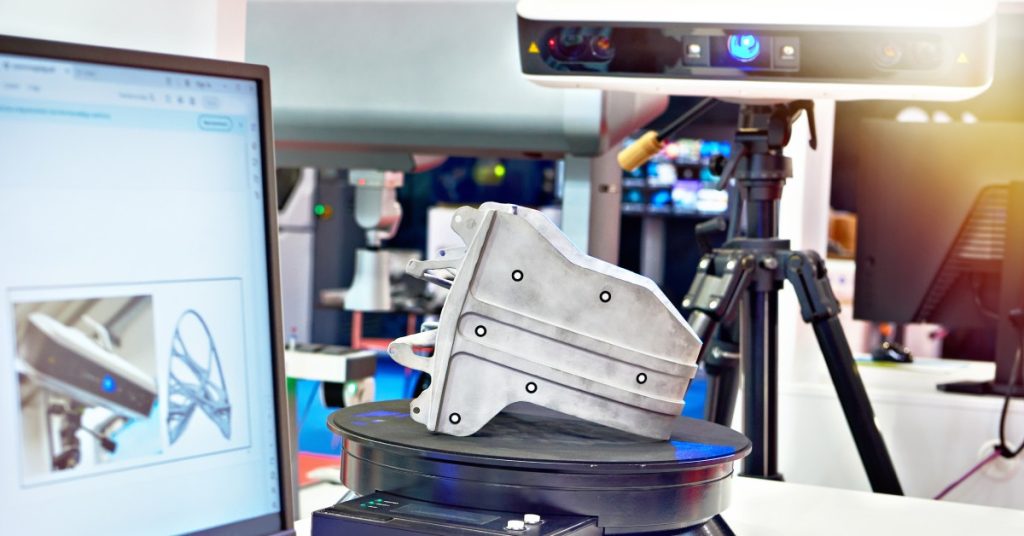
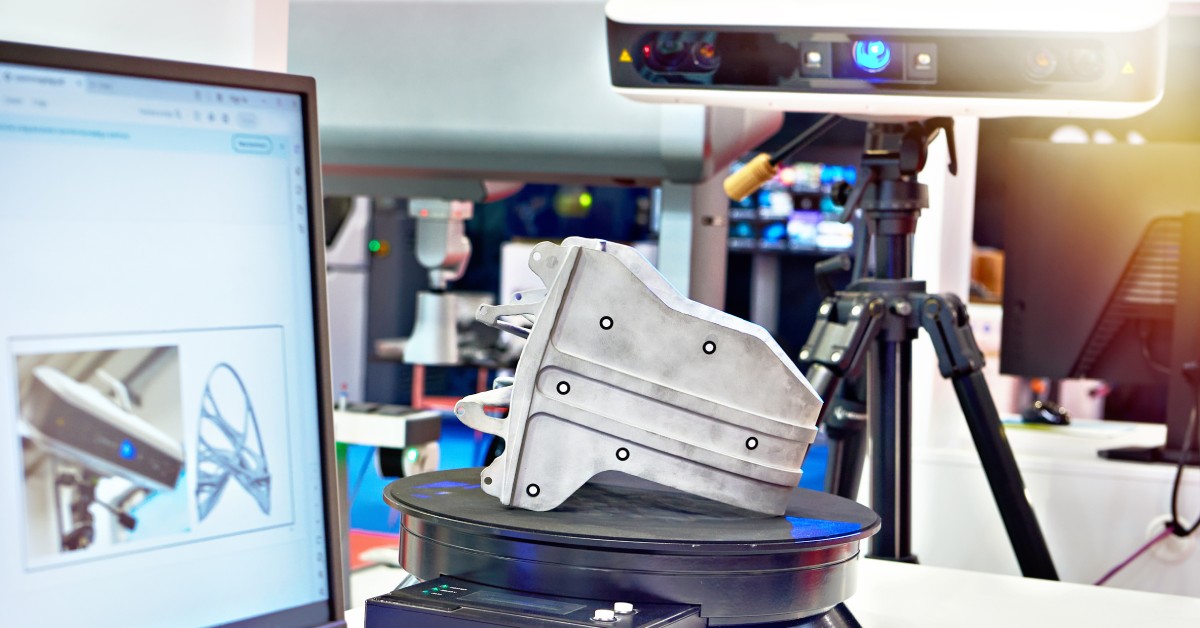
Best practice is to ensure at least 30–40% overlap for each adjacent scan. Marking the product with temporary, non-destructive reference dots or using alignment markers helps ensure accurate software registration, especially on symmetrical or low-feature surfaces.
5. Neglecting Data Quality Checks
The temptation after completing a scan is to move straight to processing. However, if you skip quality checks, you risk discovering issues only at the modeling or inspection phase—potentially rendering your effort unusable.
For every scan, immediately review the raw point cloud on your workstation. Check for gaps, excessive noise, or distortion, particularly in critical areas such as undercuts, deep recesses, or complex surfaces. Many scanners and software suites allow for rapid on-the-spot alignment and review, enabling you to identify problems while the product is still fixtured.
A robust quality assurance process protects against time lost to rescanning. It also ensures teams only have to handle scans for costly products or limited-availability samples once.
6. Using the Wrong Scanner for the Job
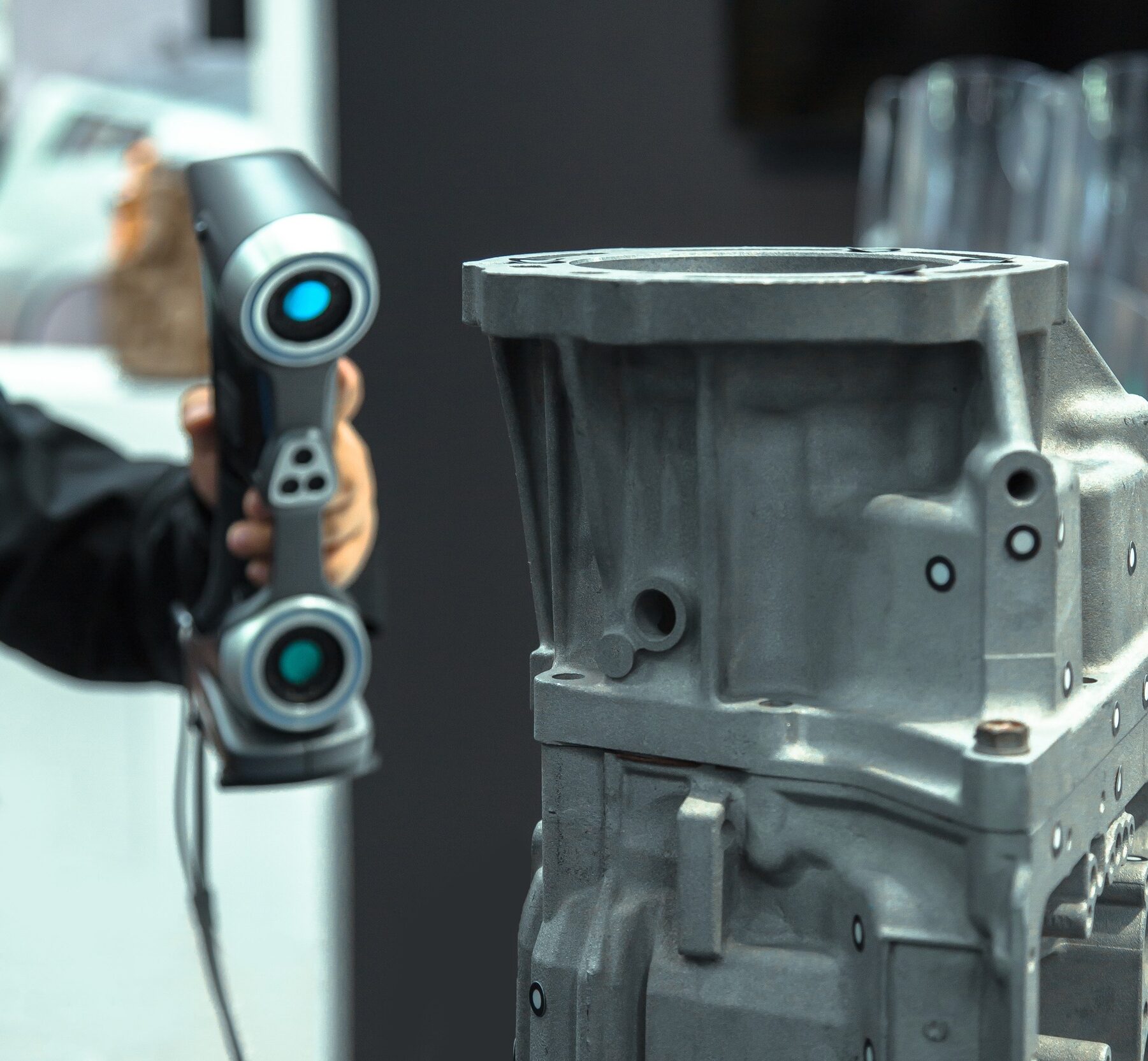
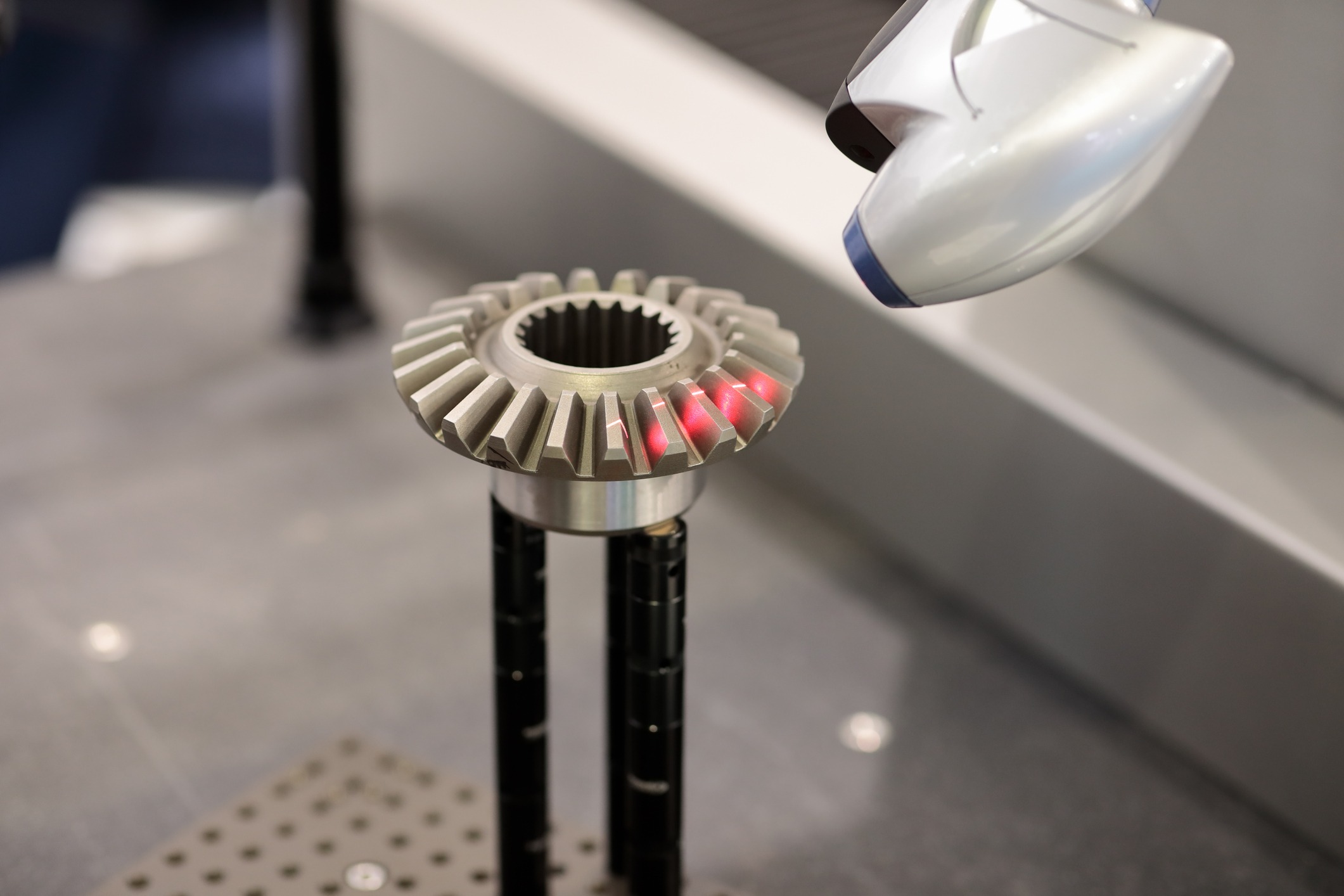
Product scanning encompasses a diverse range—from handheld scanners for small components, to high-accuracy desktop or arm-based scanners for tight-tolerance parts, to larger-format devices for assemblies or tooling.
Using the wrong tool—such as a high-volume, low-resolution scanner for a precision-machined part—can lead to unsatisfactory results. Conversely, subjecting a large, rough-finished fabrication to a delicate, slow, high-precision scanner is inefficient and can tie up resources.
Before scanning, evaluate:
- Product size, complexity, and material.
- Required accuracy and resolution for the application (e.g., reverse engineering, inspection, or archiving).
- Whether the part has features (e.g., deep bores or fine textures) that require specialized equipment.
Select your scanner accordingly and don’t hesitate to consult your service provider for recommendations if uncertain.
7. Failing to Back Up Data

Finally, it’s vital to recognize the importance of diligent data management. Product scans—sometimes representing irreplaceable intellectual property or critical engineering data—are far too valuable to risk through negligent storage practices.
Never rely on a single file copy left on a scanning workstation or USB drive. Follow the “3-2-1” backup method: create three copies, use at least two different types of storage media, and maintain one copy off-site or in the cloud. As soon as scans are complete, confirm their integrity, upload to a secure server, and document all file locations.
Implementing consistent backup protocols safeguards against accidental overwrites, equipment failures, or other unforeseen disruptions—ensuring your product data remains protected and accessible whenever needed.